
A) HOW TO GET SOME BITCOIN#
Download & Install Aqua Wallet

Aqua Wallet Review
Aqua Wallet Tutorial

- Go to “Marketplace” in Aqua Wallet ⬇
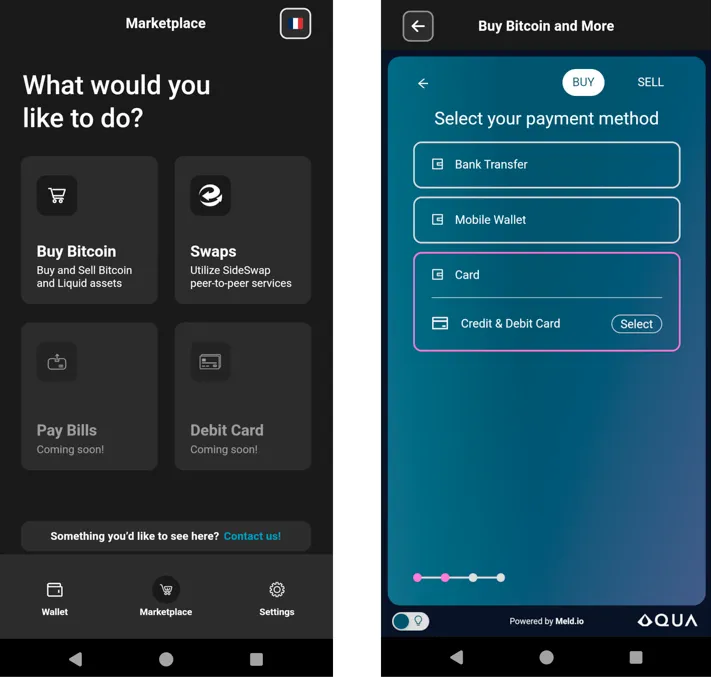
- BUY YOUR FIRST BITCOIN⬇
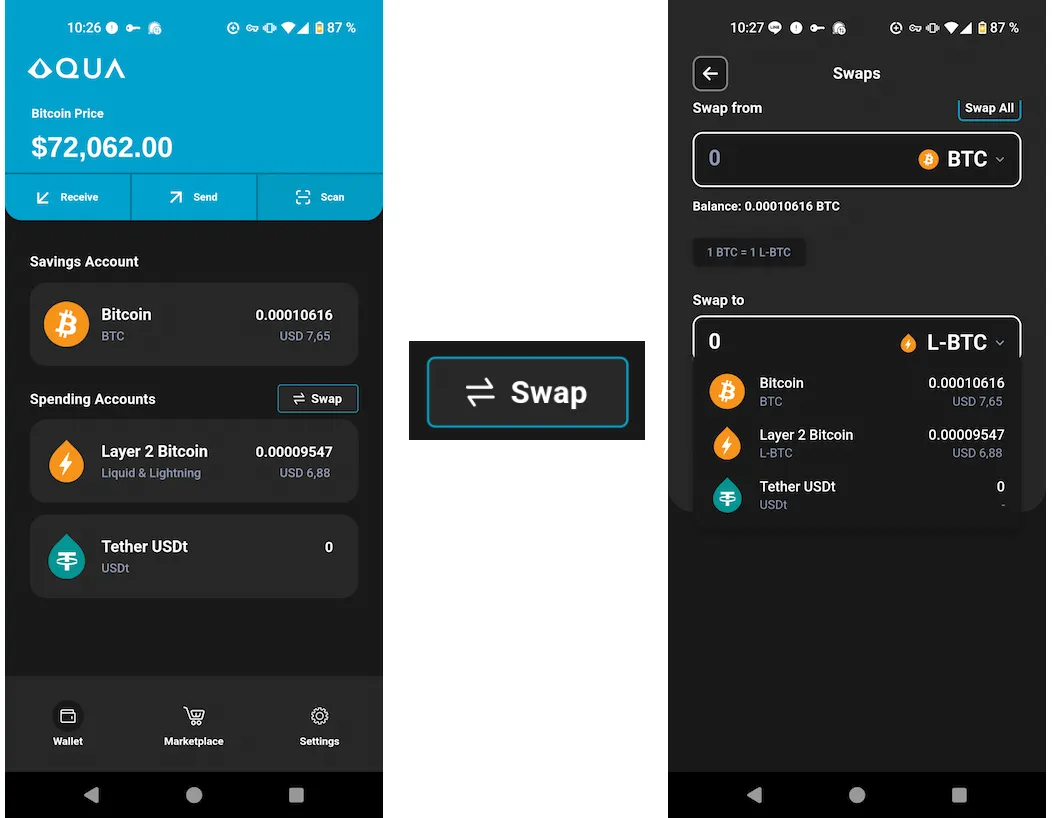
“Savings Account” is the place where you can gradually start saving in Bitcoin.

“Spending Accounts” allows you to use Bitcoin for your payments on the lightning network [as well as having access to USDt (dollar stable coin)]
==> Before making your payment and use Bitcoin (at the speed of light⚡) : Swap your BTC from “Saving Account” to “Spending Account” (Layer 2 Bitcoin)

B) BUY MY BOOK on COINOS#
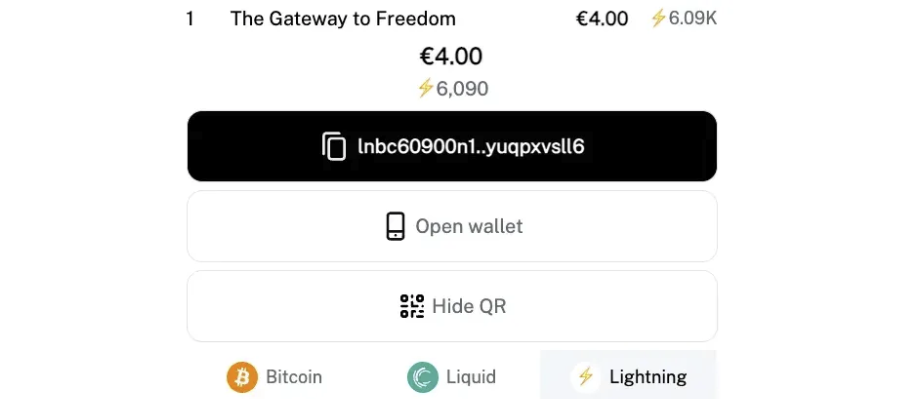
=> https://coinos.io/blisshodl (4€ or 5$)
- Select “The Gateway to Freedom” and click “Vérifier”
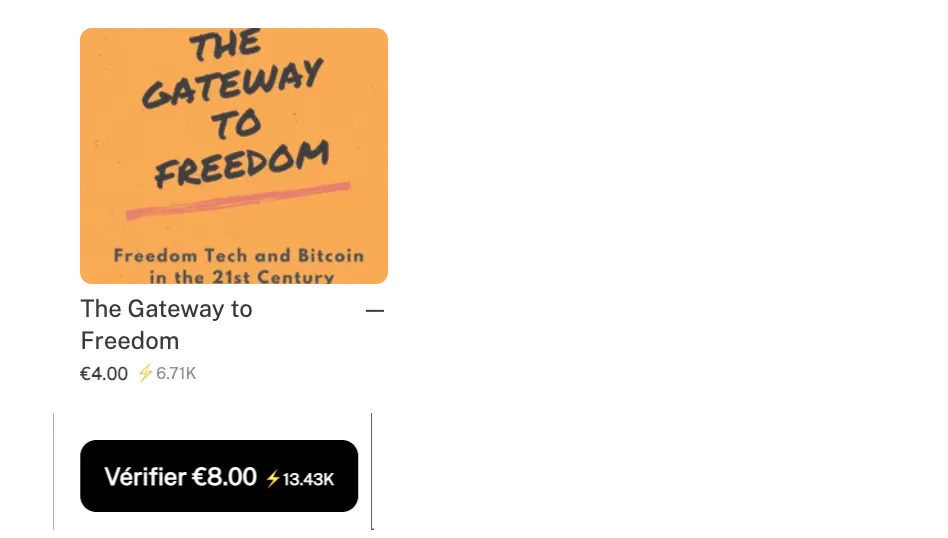
- Enter your Email in “Add Memo”⬇

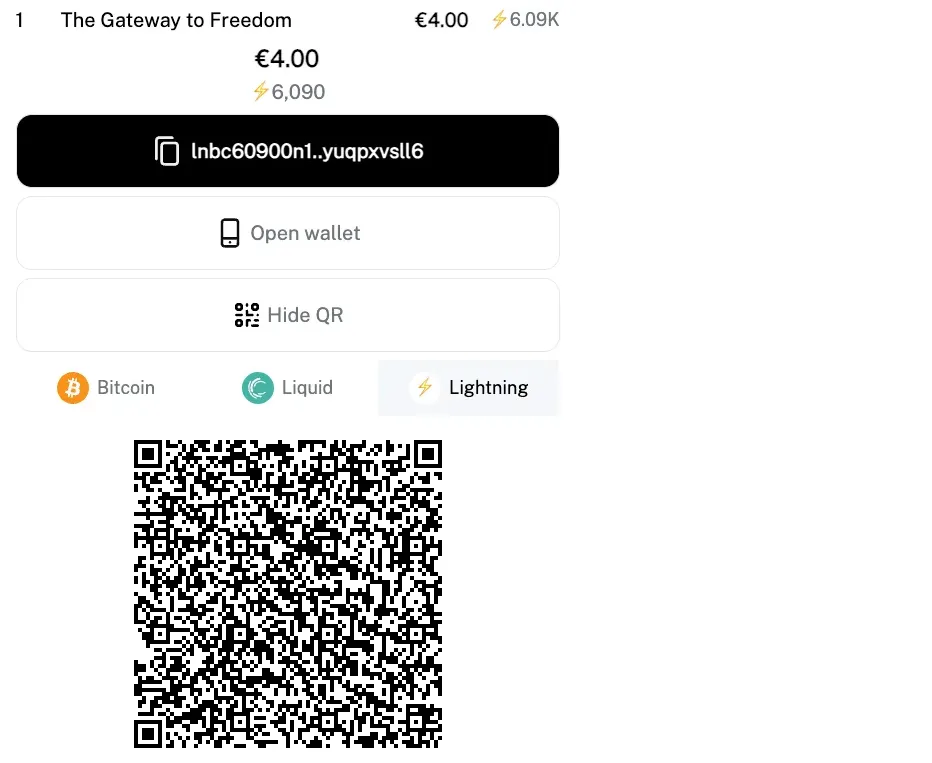
- Select “Lightning” + “Show QR”

In Aqua Wallet, select Layer 2 Bitcoin ⬇

**Select Scan **(to scan the QR code) ⬇

Scan and Send your payment ⬇

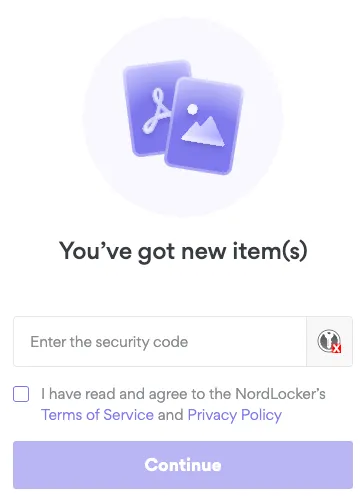
- Wait to receive the download link + security code in your email Box (check in your SPAM in case you don’t see it coming) ⬇
All ready a Bitcoiner ?#
Buy my book** on [Coinos](https://coinos.io/blisshodl) (on-chain, Lightning or Liquid) with the Wallet of your choice. (*if you wish to add a tip to the book price, it is currently only possible on the lightning network)

[Blockstream Green Wallet](https://blockstream.com/green/) is a great desktop and mobile wallet (Lightning, on chain & Liquid)
[Phoenix Wallet](https://phoenix.acinq.co/) is a great mobile wallet for the Lightning Network
You can also send me the amount of your choice here :
- Zap me here
- Tip me on Alby(ligthning)
- Donate on Geyser(ligthning)
- Support me on Tallycoin(on chain only)
Comments
No comments yet. Start the conversation.