
Do You Use Hugo for Your Website?#
If you've been around the static site world for a while, you've probably heard of Hugo. But if you haven't — let me give you a quick intro.
Hugo is one of the fastest and most popular static site generators in the world. You write your content in Markdown, define your layouts in Go templates, and Hugo builds your entire website as plain HTML files in milliseconds. No database, no server-side scripts, no WordPress vulnerabilities — just clean, fast, portable files you can host anywhere.
Hugo is loved by developers, bloggers, and indie web creators because it's powerful, flexible, and blazing fast. If you're running a personal blog, a portfolio, a documentation site, or a project homepage — Hugo is an excellent choice.
Do you already use Hugo? Or are you thinking about switching? Either way, today's post is right for you.
Introducing StormMap#
One thing every growing website needs is a way for visitors to find their way around — not just through a navigation menu, but through a proper sitemap or archive page that shows all your content in one structured view.
Building that by hand every time you publish a new post? No thanks.
That's exactly why I built StormMap.
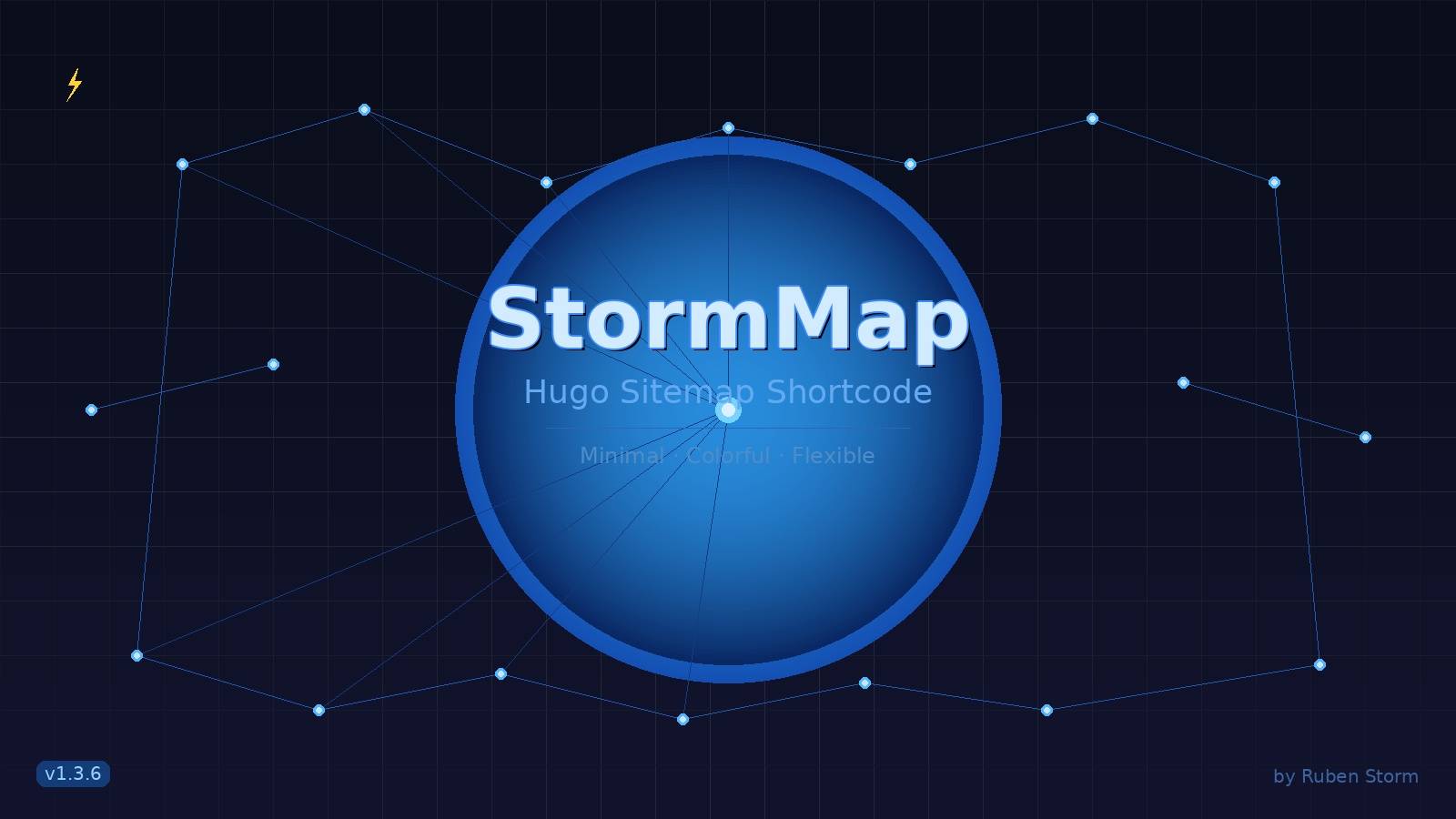
StormMap is a minimalist, flexible, and colorful Hugo shortcode module that automatically renders a structured sitemap or archive view of your entire site. You drop one line into any Hugo page, and it generates a clean, organized overview of all your sections and posts — nested, linked, and styled.
No manual updates. No extra plugins. Just one shortcode and your content is mapped.
It's theme-agnostic, meaning it works alongside any Hugo theme you're already using. And it's been built with real-world websites in mind — minimal output, semantic HTML, and lightweight enough to not slow anything down.
The project is open source under the MIT License and lives on GitHub: 👉 ** https://github.com/rubenstorm/stormmap**
Current version: v1.3.6
Features at a Glance#
- ✅ Minimal, semantic HTML output
- 🎨 Multiple visual designs:
minimal,color,nostr,green,red,blue,orange - 📂 Nested sections and pages — your full site structure, automatically
- 🏷️ Optional StormMap branding footer (easily disabled)
- ⚡ Inline icon support via Hugo partials
- 🪶 Lightweight and theme-agnostic
How to Install StormMap#
Installation is straightforward if you're using Hugo Modules (which is the recommended approach for modern Hugo sites).
Step 1 — Pull the module#
Run this in your Hugo project root:
hugo mod get github.com/rubenstorm/stormmap
Step 2 — Add it to your config#
If you use config.toml:
[module]
  [[module.imports]]
    path = "github.com/rubenstorm/stormmap"
If you use config.yaml:
module:
  imports:
    - path: github.com/rubenstorm/stormmap
That's it. Hugo will handle the rest when you build your site.
How to Use StormMap#
Once installed, using StormMap is as simple as dropping a shortcode into any of your Hugo content files.
Basic Usage#
{{< stormmap >}}
Place this in any .md file — for example, a dedicated sitemap.md or archive.md page — and StormMap will automatically render a structured list of all your site's sections and pages.
Parameters#
StormMap accepts two optional parameters:
| Parameter | Type | Default | Description |
|---|---|---|---|
design |
string | minimal |
Visual style — see options below |
branding |
string | true |
Show or hide the StormMap footer branding |
Design Options#
| Value | Description |
|---|---|
minimal |
Clean text-based layout with bullets |
color |
Sections and pages styled with colors |
nostr |
Nostr-inspired layout with lightning icons |
green |
Green color variant |
red |
Red color variant |
blue |
Blue color variant |
orange |
Orange color variant |
Examples#
Colorful layout without branding:
{{< stormmap design="color" branding="false" >}}
Nostr-style layout with icons and branding:
{{< stormmap design="nostr" >}}
Blue variant, no branding:
{{< stormmap design="blue" branding="false" >}}
Hiding Pages from the Map#
Sometimes you have pages you don't want showing up in your sitemap — drafts, private sections, or utility pages. StormMap has you covered.
Just add this to the front matter of any page you want to hide:
TOML front matter:
hideStormMap = true
YAML front matter:
hideStormMap: true
That page (and its children) will be excluded from the StormMap output automatically.
Final Thoughts#
StormMap is a small tool, but it solves a real problem — keeping your Hugo site navigable as it grows, without any manual work. Whether you're running a tech blog, a creative portfolio, or an open-source project homepage, having a clean sitemap page is something your visitors will appreciate.
It's free, open source, and MIT licensed. If you use Hugo and want a smarter archive or sitemap page, give it a try.
👉 GitHub: https://github.com/rubenstorm/stormmap
❤️ Support This Project#
If you find this project useful or enjoy my work, consider supporting its development:
⚡ Lightning Network rubenstorm@coinos.io
☕ Ko-fi https://ko-fi.com/rubenstorm
💳 Bunq Me https://bunq.me/stormruben
Your support helps me maintain, improve, and build more open-source tools. Thank you for being part of the journey 🙏
Made with ♥ by Ruben Storm
Comments
No comments yet. Start the conversation.