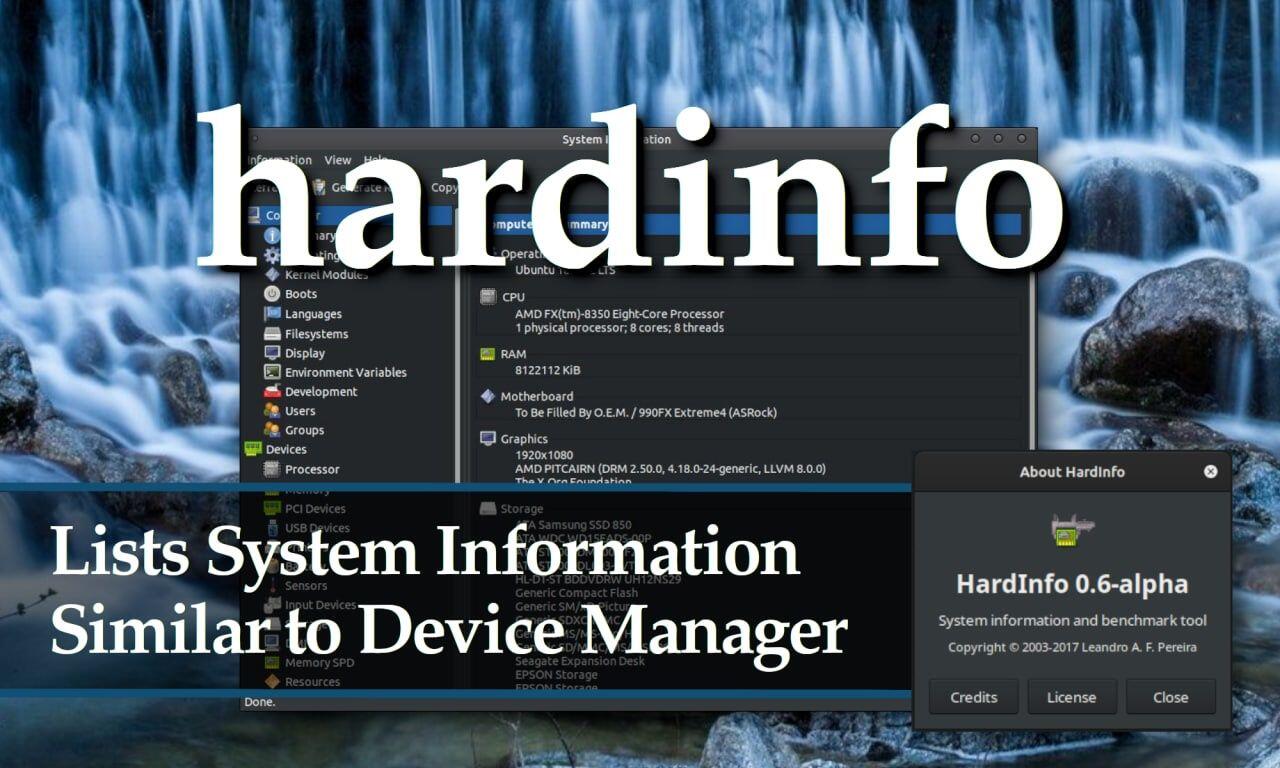

Hardinfo is a nice GUI tool for displaying hardware and system information. It has the look and feel of MS's device manager.
So if you don't feel like memorizing a bunch of command line commands, such as lspci (list pci devices), lsmod (list kernel moduels), or neofetch (Computer summary). you can install hardinfo and give it a spin. Although, NeoFetch is kinda fun.
Hardinfo should be in the default repositories. To install it on Debian based distros you would type:
sudo apt install hardinfo
Once installed, you can search for it the normal way using the taskbar search. When you search for "hardinfo" . . it may show up as "System Profiler"
Unlike MS's device manager, You CANNOT edit hardware settings with hardinfo. You can only read the system info.
This "Learn Ubuntu Mate" website is a good overview of hardinfo, with lots of screenshots.
#Hardinfo #LinuxSystemTools #LinuxSystemInformation #SystemTools
Comments0
No comments yet. Start the conversation.