Direct Answer: While cloud web AI voice assistants stream raw microphone feeds over WebRTC to remote servers—introducing audio leakage risks, ambient eavesdropping concerns, and network roundtrip jitter—aiFetchly processes voice entirely on your local desktop. Developers control on-device push-to-talk speech-to-text and offline text-to-speech feedback with zero audio data egress.
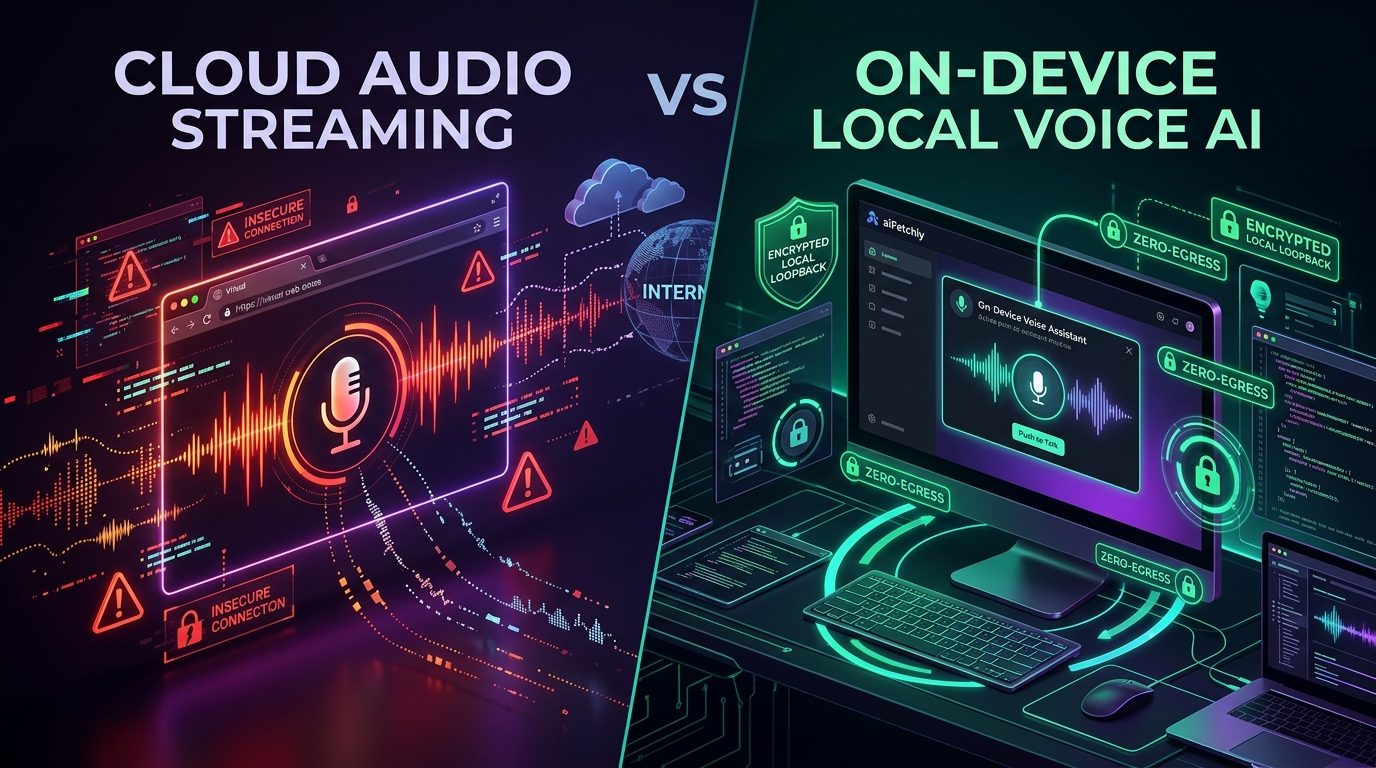
In 2026, voice-first AI interfaces have become a standard interaction pattern. However, for software engineers and enterprise organizations, browser-based voice assistants (such as web conversational bots) present a serious compliance hazard: streaming live audio over WebRTC to third-party datacenters.
When developers dictate technical prompts, discuss proprietary codebases, or work in bustling enterprise office environments, "always-listening" cloud microphones routinely capture ambient conversation, confidential architecture reviews, and background speech. Under data protection regulations like GDPR, raw human audio constitutes biometric personal data—making unvetted cloud voice relays a major corporate compliance violation.
The aiFetchly desktop application resolves this architectural trade-off by bringing the entire speech processing pipeline directly onto your physical machine.
1. On-Device Push-to-Talk vs Always-On Ambient Streaming#
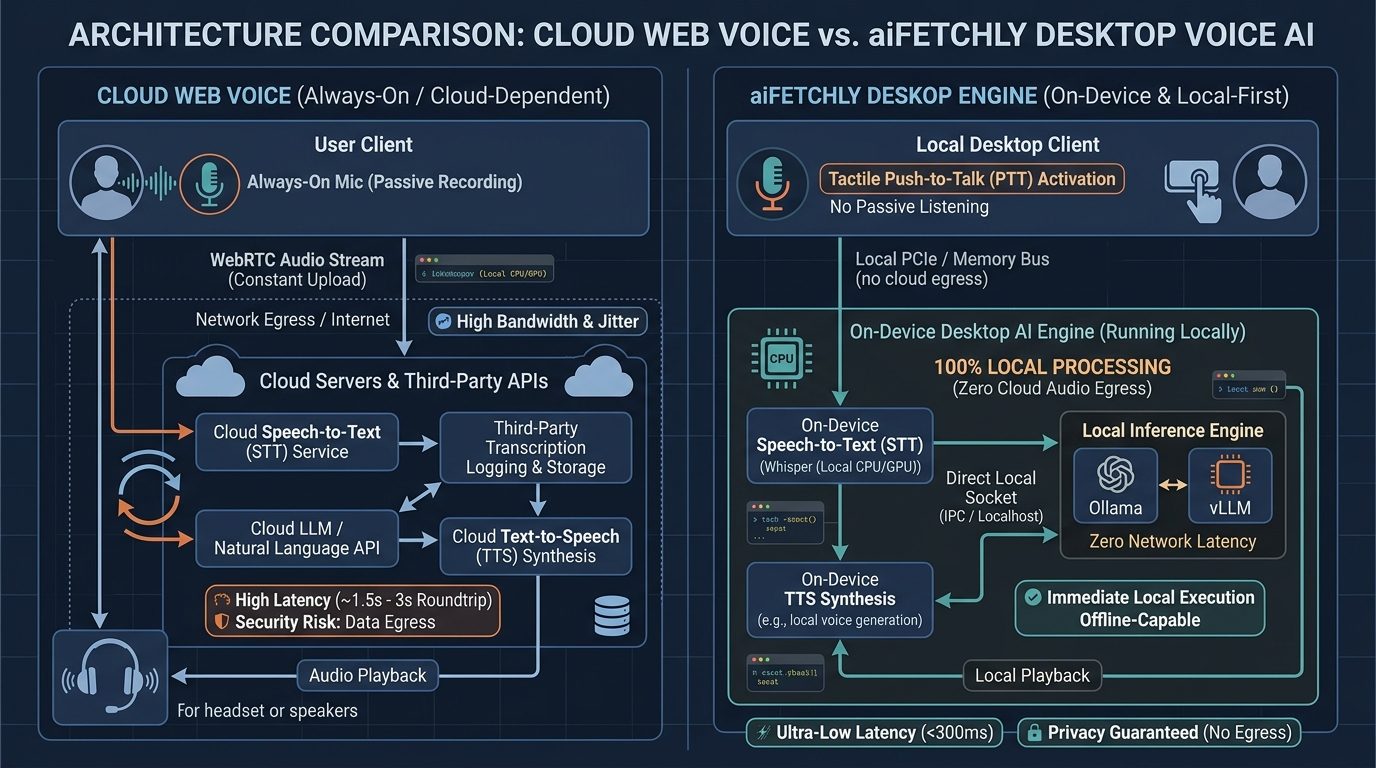
Web-based voice interfaces typically keep microphone channels continuously active to detect speech pauses. This continuous listening architecture frequently misinterprets background office noise, sends unprompted snippets across the internet, and consumes significant outbound bandwidth.
In aiFetchly, voice capture is strictly tactile. Documented in the AI Provider and Voice settings, the assistant features dedicated on-device push-to-talk:
- The audio recording pipeline activates only while the designated push-to-talk keybind is pressed.
- Releasing the key immediately terminates audio ingestion, guaranteeing that casual conversations, phone calls, or office chatter are never accidentally captured or transmitted.
2. Local Speech-to-Text & Zero-Latency Audio Synthesis#
Cloud assistants route voice through remote transcription and text-to-speech (TTS) services, adding multiple network round-trips (often 1.5 to 3 seconds of compounding latency) and creating logs on external vendor servers.
aiFetchly runs both speech recognition and spoken response synthesis directly on your workstation hardware:
- Local STT Processing: Your spoken prompt is transcribed into text locally on your machine’s CPU and GPU, eliminating network round-trips and jitter.
- On-Device TTS Playback: The model’s synthesized voice response is generated locally without calling cloud audio endpoints, avoiding per-minute billing fees.
3. Provider Decoupling & True Air-Gapped Workflows#
A major advantage of aiFetchly’s architecture is that voice functionality is completely decoupled from your LLM backend:
- You can pair on-device push-to-talk with local inference engines like Ollama (
http://localhost:11434/v1) or vLLM (http://localhost:8000/v1). - Alternatively, developers can route text tokens to cloud frontier models while keeping the audio capture and transcription layer completely local.
- For security-critical teams, running local speech recognition alongside local Ollama models creates a 100% offline, air-gapped voice AI workstation: voice-to-text, model reasoning, and spoken audio all occur over local system memory without transmitting a single packet over the public internet.
By combining tactile push-to-talk discipline with on-device speech processing, aiFetchly delivers hands-free developer efficiency without compromising enterprise audio privacy.
aiFetchly is a local-first desktop AI business agent (free to download). Home: aifetchly.com · Introduction: docs.aifetchly.com/docs/getting-started/introduction
Comments
No comments yet. Start the conversation.