
Start here: the Amethyst manual
Describes Amethyst for Android v1.17.0. Updated 2026-10-08. This post is republished as each part goes out, so the links below fill in over time. Bookmark it and come back.
vor 3 Wochen3 w ago5 Min.5 min
Amethyst contributor. We are a small photography business based in Scotland. Early adopters of all things fine. New project launched, get all your presents... Clutches, earrings, cushions or custom upcycled fashion from old loved items!! Lightning/btc accepted and preferred (10% discount) https://houseofeff.com/shop Manage your Airbnb team: https://sundvala.com/
Describes Amethyst for Android v1.17.0. Updated 2026-10-08. This post is republished as each part goes out, so the links below fill in over time. Bookmark it and come back.
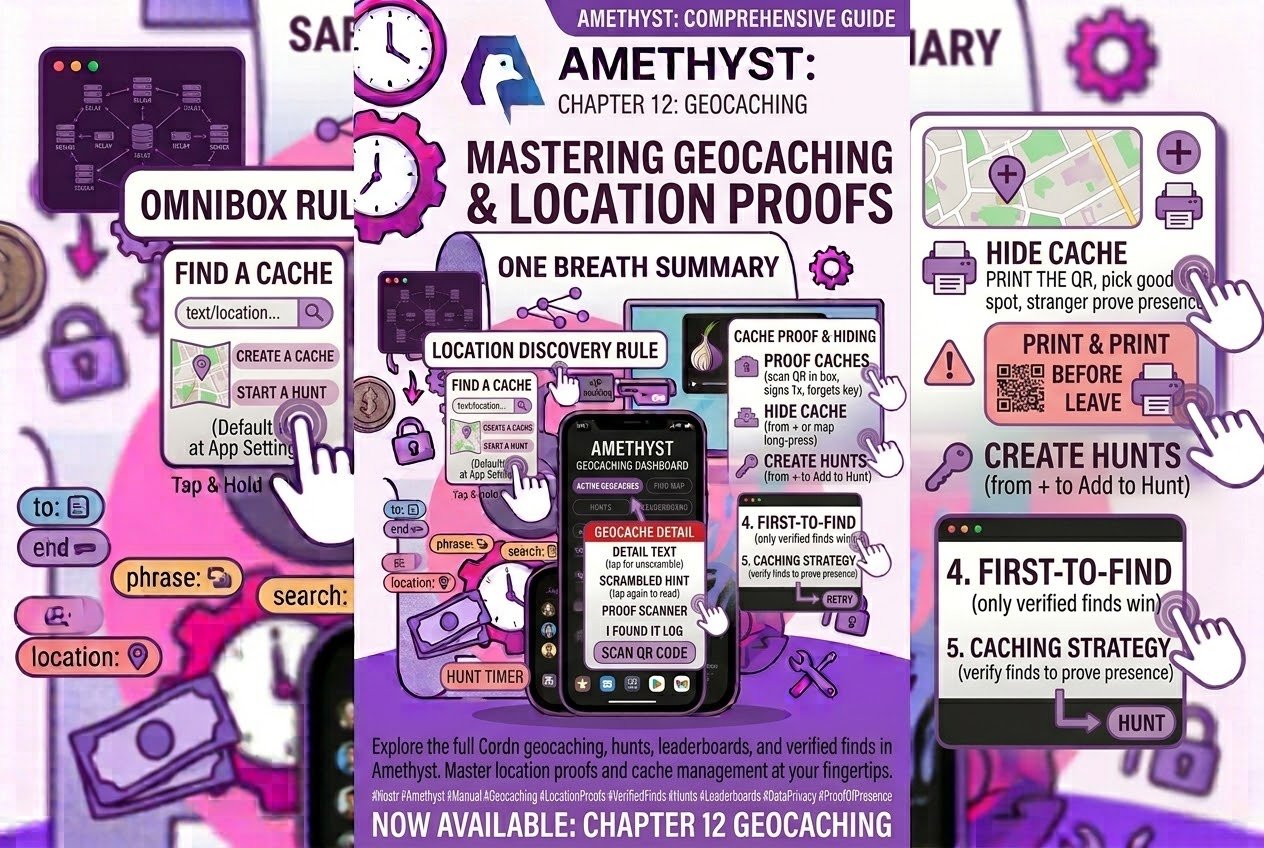
Drawer → Feeds → Geocaches, five tabs. Tap a card for the detail, tap the hint to read it, tap again if it still looks scrambled. I found it logs a find; on a proof cache, scan the code in the box and it signs for you once, then forgets the key. Hide a cache from + or a long-press on the map; the proof QR appears once, so print it before you leave. Hunts start from a cache's Add to a hunt. Only verified finds win first-to-find. Print the QR, pick a good spot, and let a stranger prove they were there.
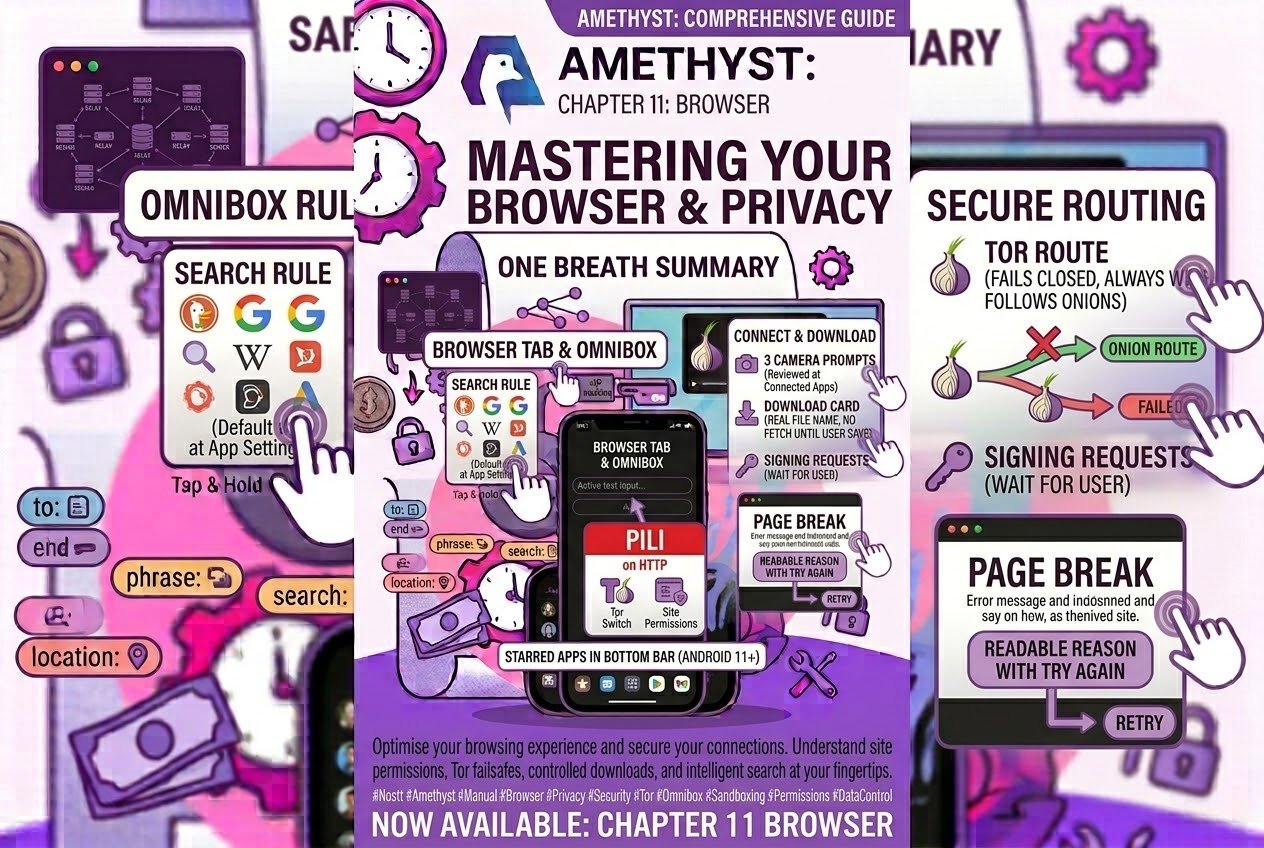
A Browser tab that is a launcher. One rule for the address bar, nine search engines, DuckDuckGo unless you say otherwise at App Settings → Search engine. Every site in its own window; starred apps in a tab under the bottom bar, on Android 11 and up. One pill over everything, red on HTTP, with the Tor switch and the site's permissions inside it. Three answers to a camera prompt, reviewed at Connected Apps. A download card that shows the real file name and fetches nothing until you say so. A Tor route that fails closed, always wins, and follows onions. Signing requests that wait for you to come back. And when a page breaks, a readable reason with Try again — or, in a bottom-bar tab, a Retry. Tap the **Browser** tab and type something that isn't an address — the omnibox knows a search from a site.
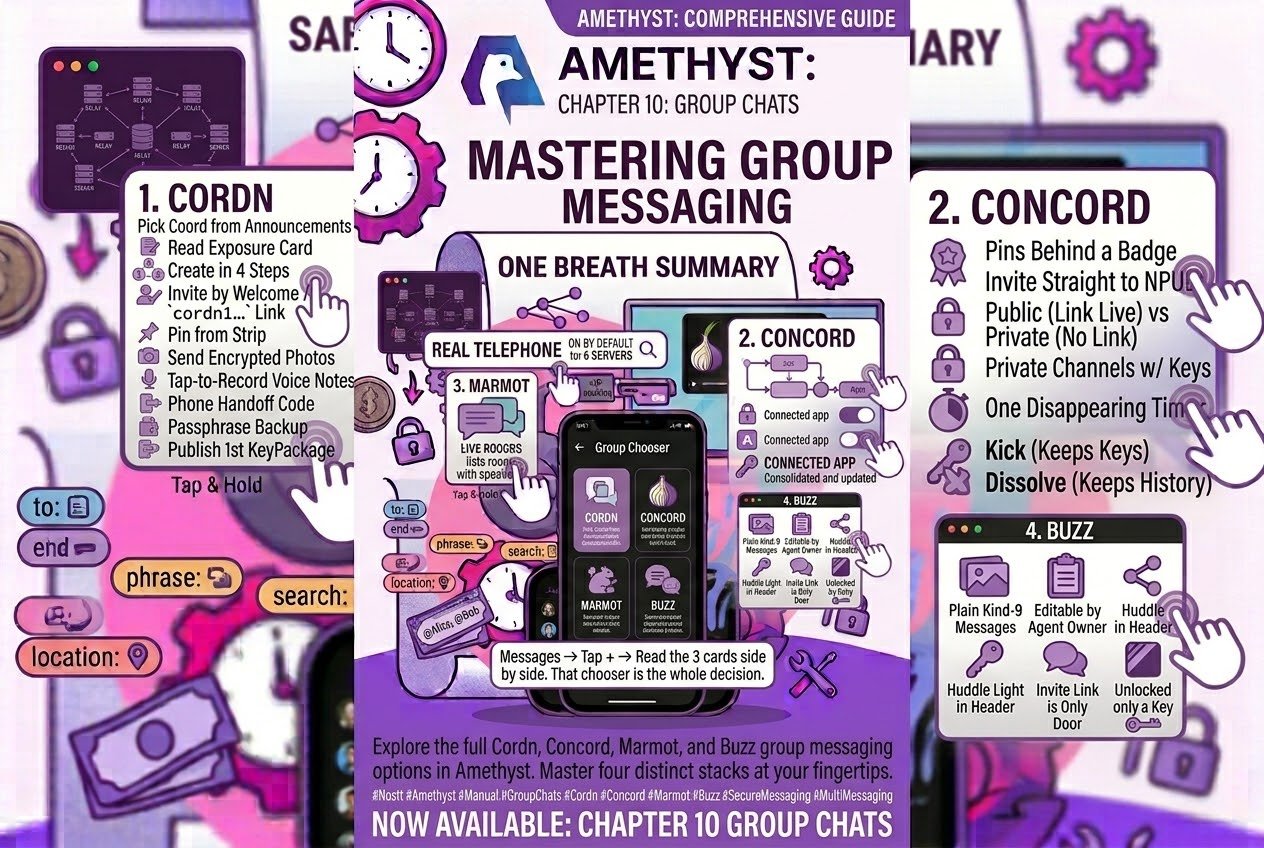
Four rooms, three of them behind one **+**. Cordn: pick a coordinator from the announcements, read the exposure card, create in four steps, invite by Welcome or `cordn1…` link, pin from the strip, send encrypted photos and tap-to-record voice notes, move phones by handoff code, back up behind a passphrase, and publish the first KeyPackage yourself. Concord: pins behind a badge, invites straight to an npub, Public while a link is live and Private when none is, private channels with their own keys, one disappearing timer, Kick that keeps the keys and Dissolve that keeps the history. Marmot: edit, a per-group Reset that keeps what you already read, groups named after their members, and a banner when your invites are landing on another phone. Buzz: plain kind-9 messages, editable by you or your agent's owner, a huddle light in the header, and an invite link as the only door.
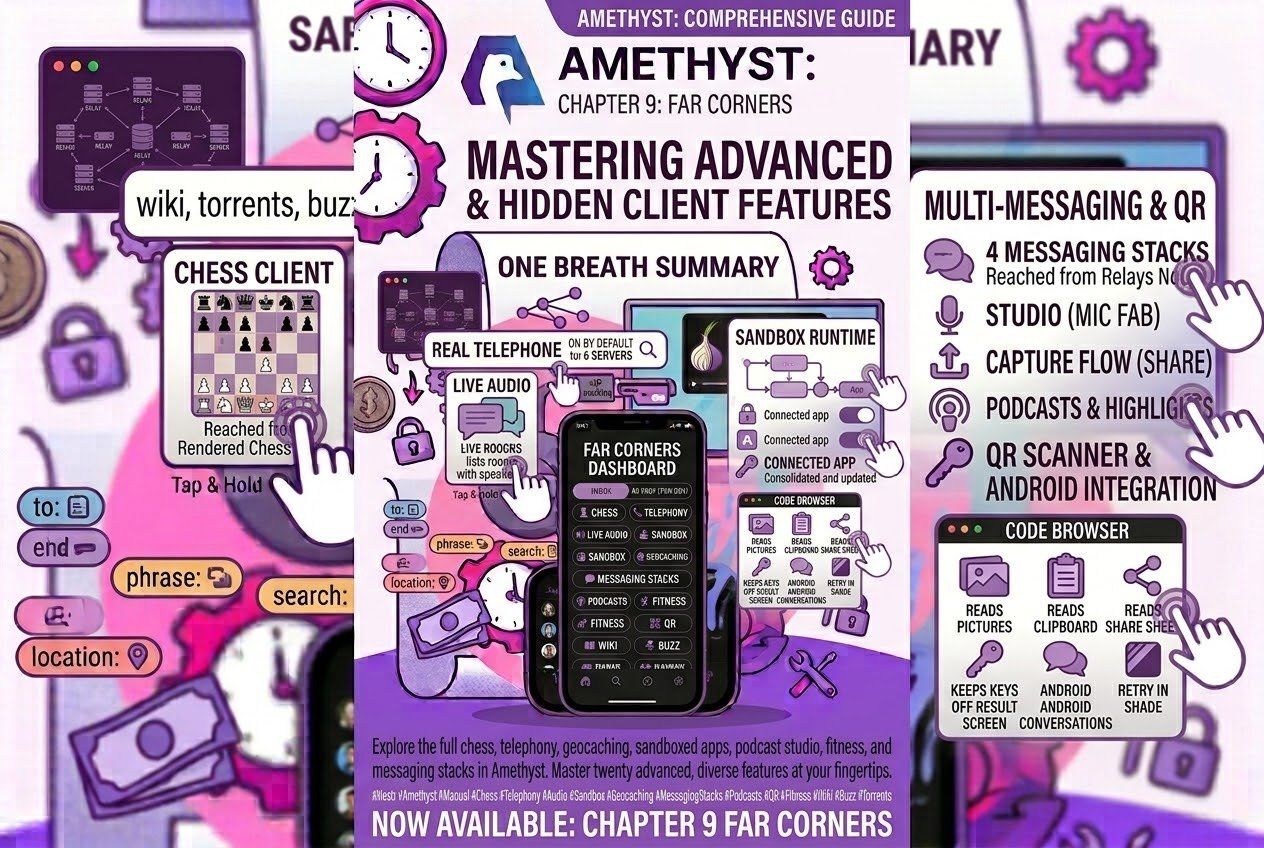
A full chess client, reached from a rendered chess note. A real telephone behind two icons in a DM, on by default, negotiated against six servers that ship with the app. A live audio platform that lists only rooms with someone on stage. A sandboxed app runtime in its own keyless process, with a permission ledger at Settings → Connected Apps. A code browser fetching over HTTPS instead of Nostr. A geocaching hub whose verified finds are signed by the secret in the box...
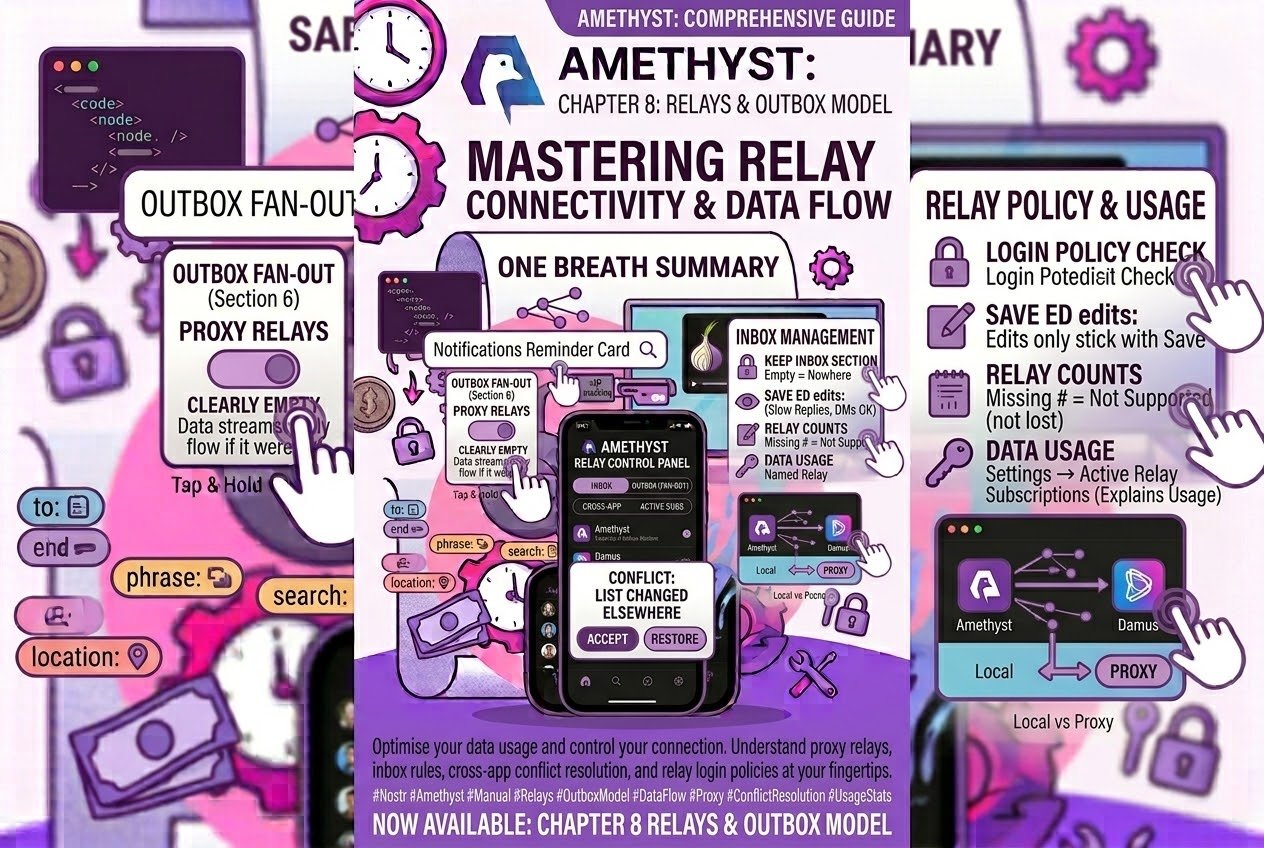
Nostr has no server, and that single absence explains nearly everything distinctive about how #amethyst behaves — including why it is happily talking to ninety machines you have never heard of while you sit there reading four posts about coffee.
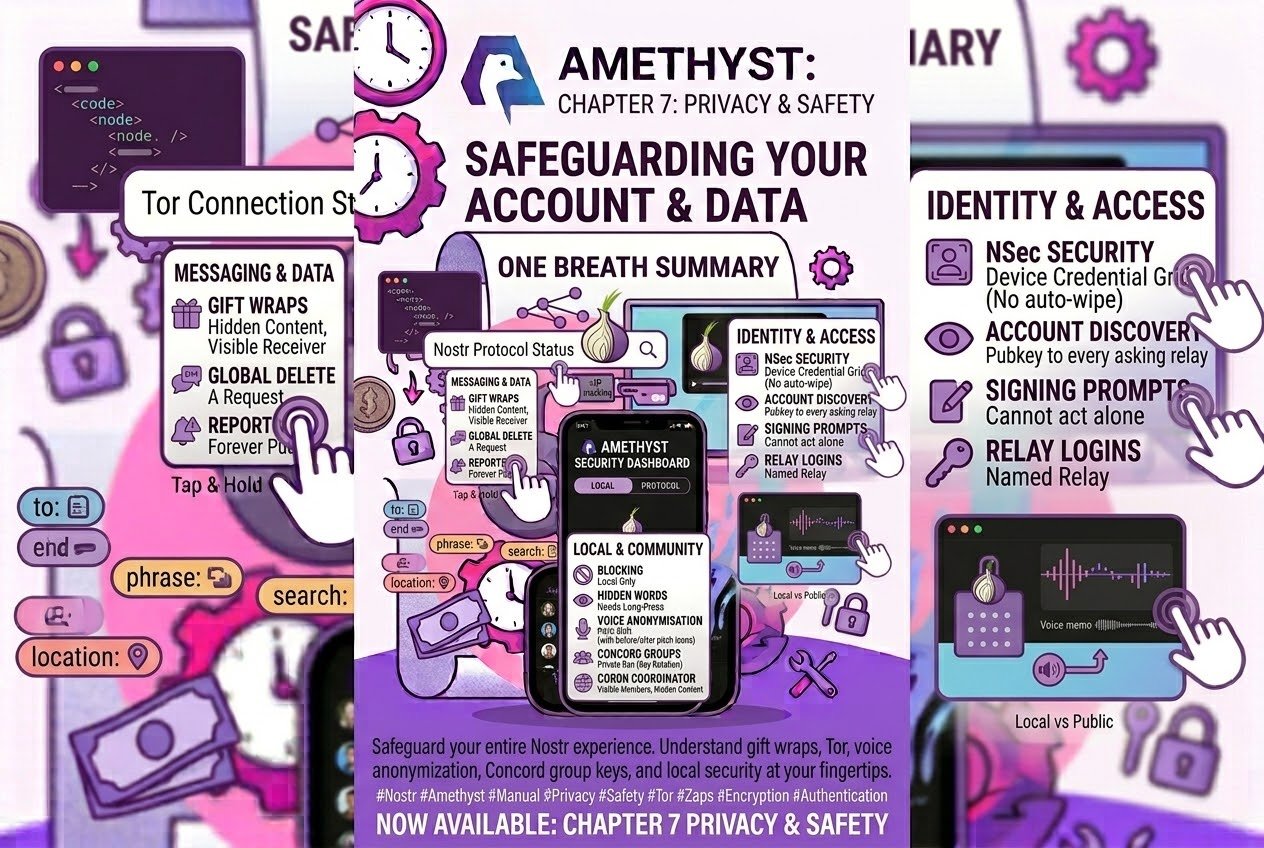
Gift wraps hide what you said and who said it, not who received it. Tor hides your IP from the relays you told it to, and media, previews and NIP-05 are not in that set by default. On a new account your pubkey goes to every relay that asks. Blocking is local. Hidden Words needs a long-press. Reports carry your name for ever, and block the person too. Deletion is a request, and deleting a DM stays inside the DM. A signing prompt cannot act on your behalf, and a relay login names its relay. Your nsec is a grid behind your device credential; the encrypted copy is not auto-wiped. In Concord, Private means a ban rotates the keys and Public means it does not. A Cordn coordinator sees who is in the group, not what is said. Voice anonymisation is a pitch shift. And the app relies on your phone's lock screen.
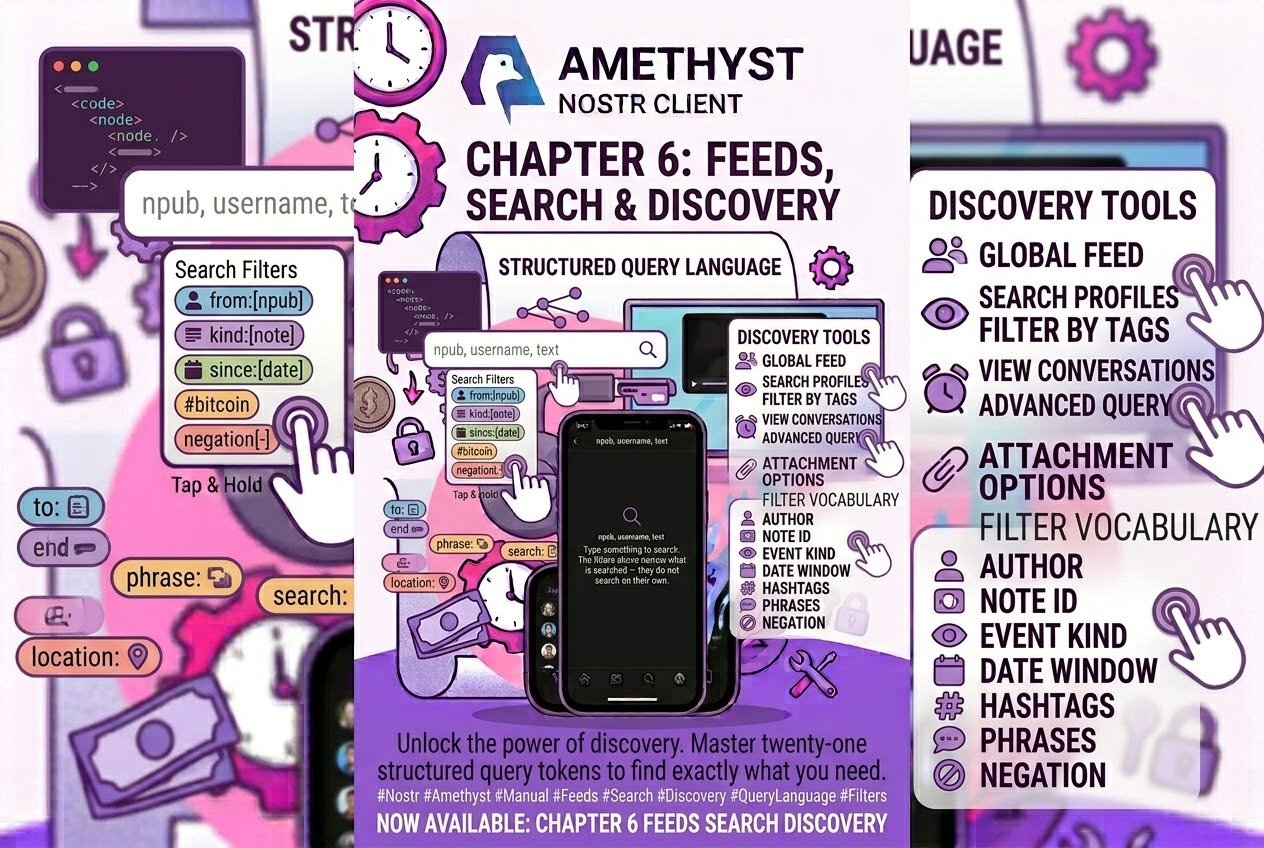
Amethyst has a query language. The search box in Amethyst accepts twenty-one structured tokens.
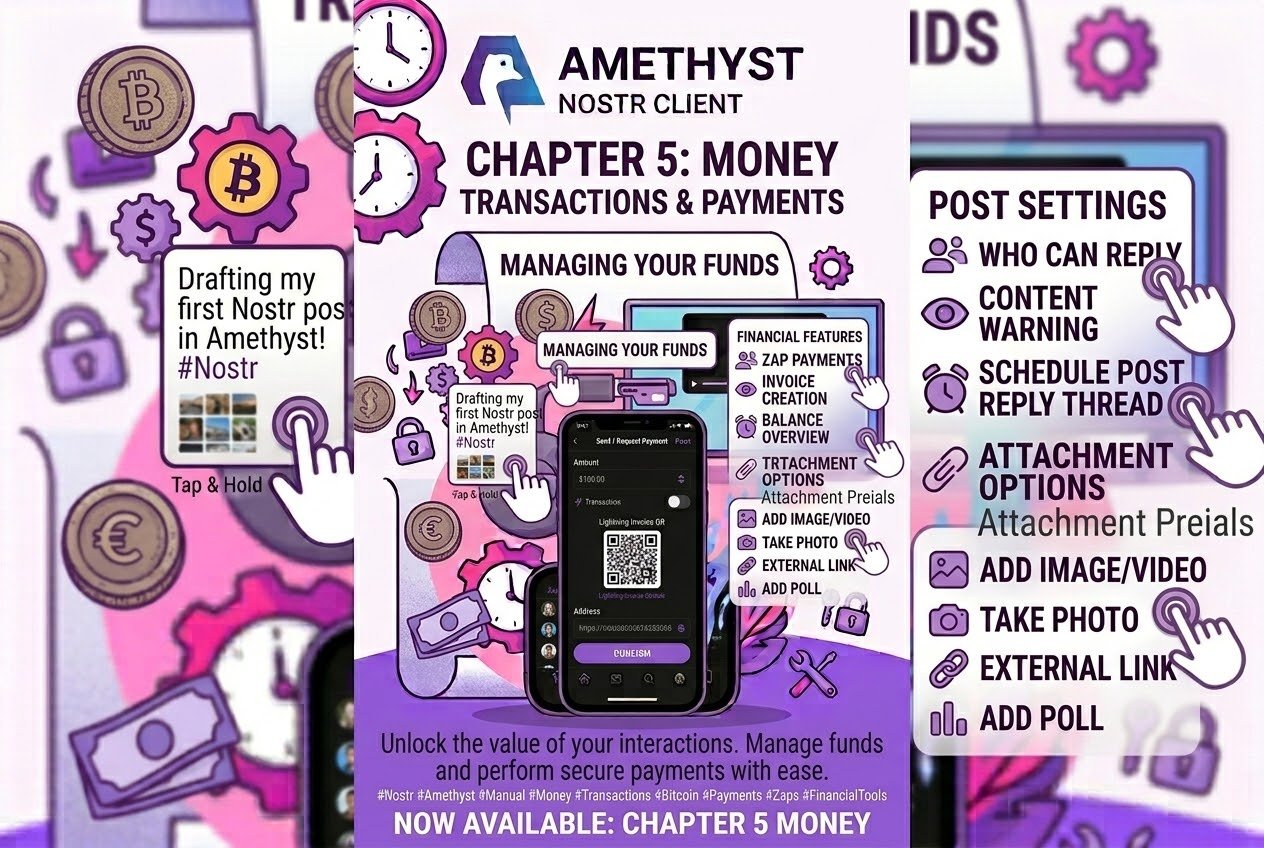
Go and look at the third icon on your bottom bar. You have a wallet.
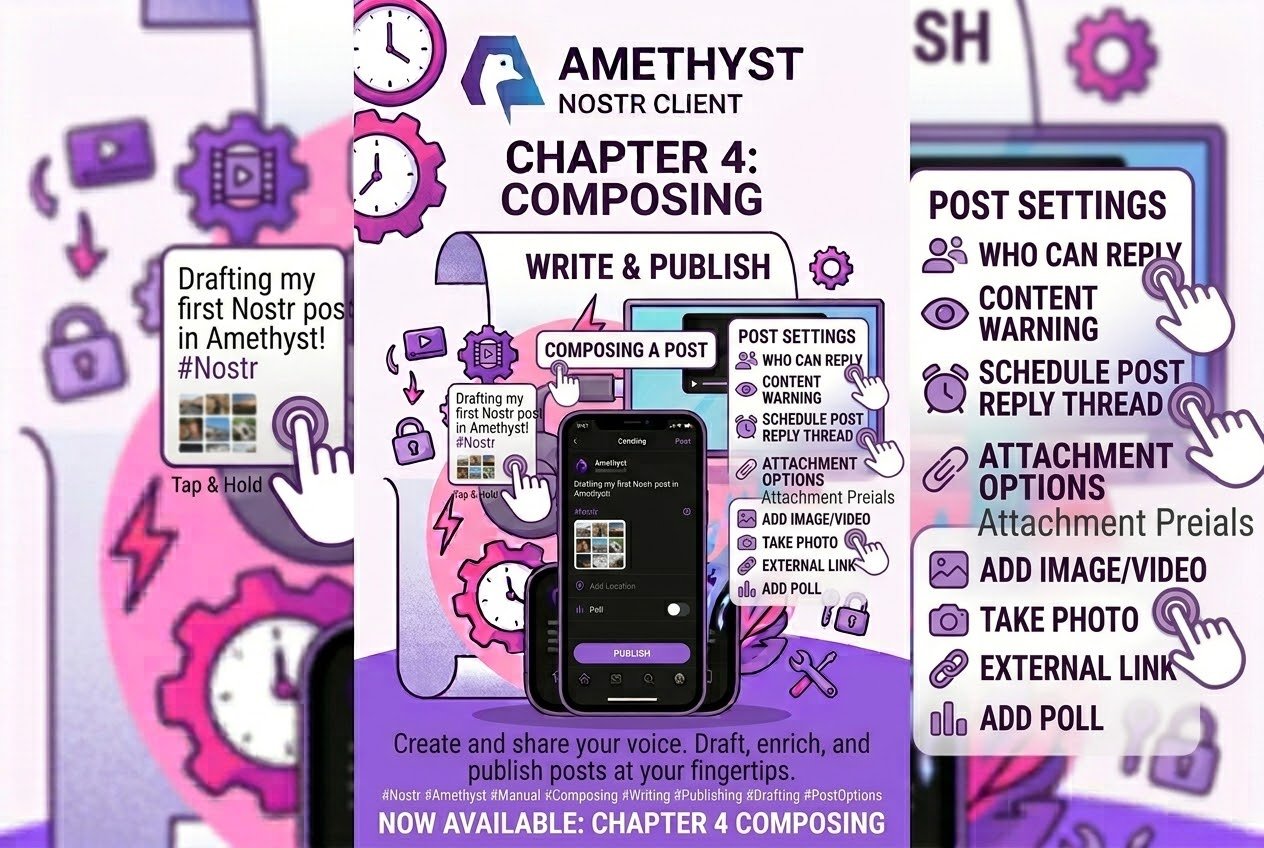
The composer is the densest screen in amethyst, and about half of its options are along that row. Drag it.
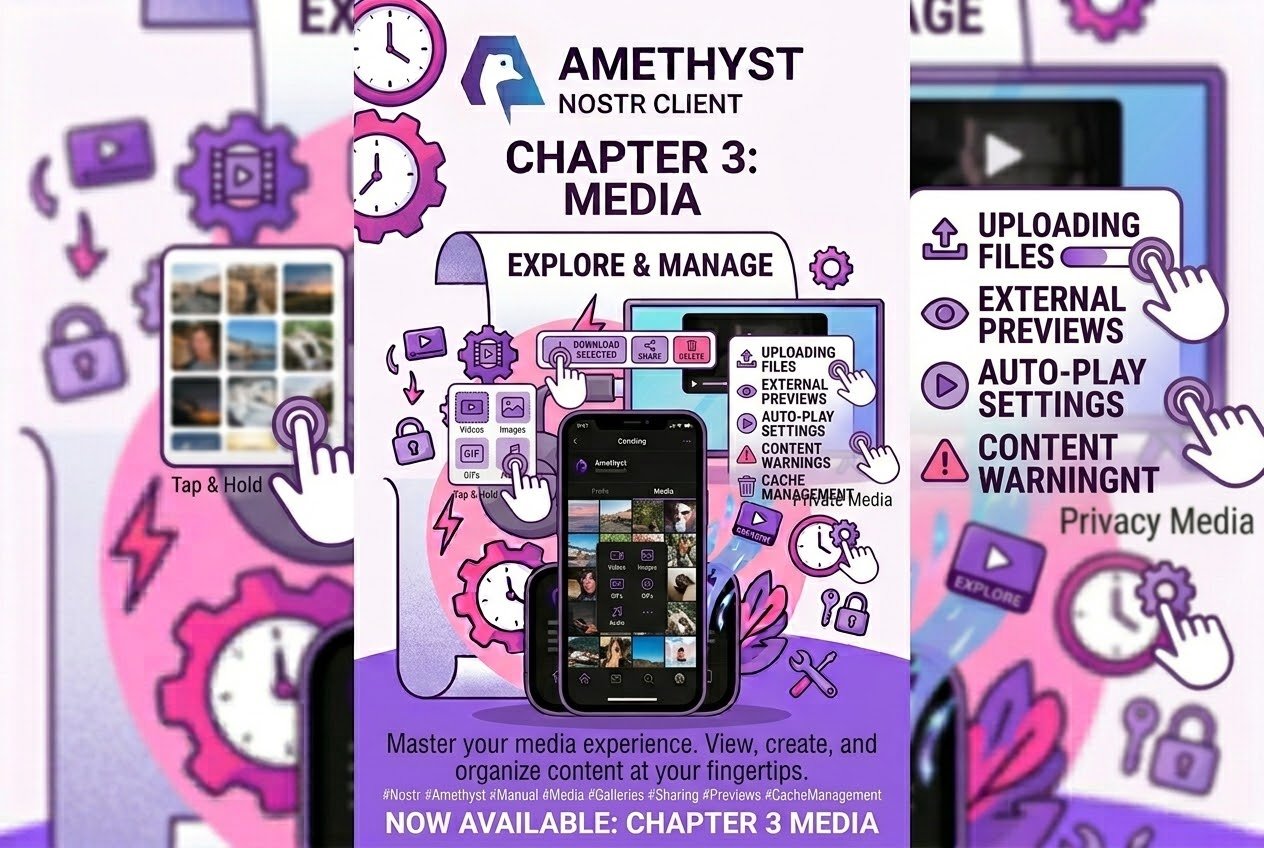
Your media, at the size you choose
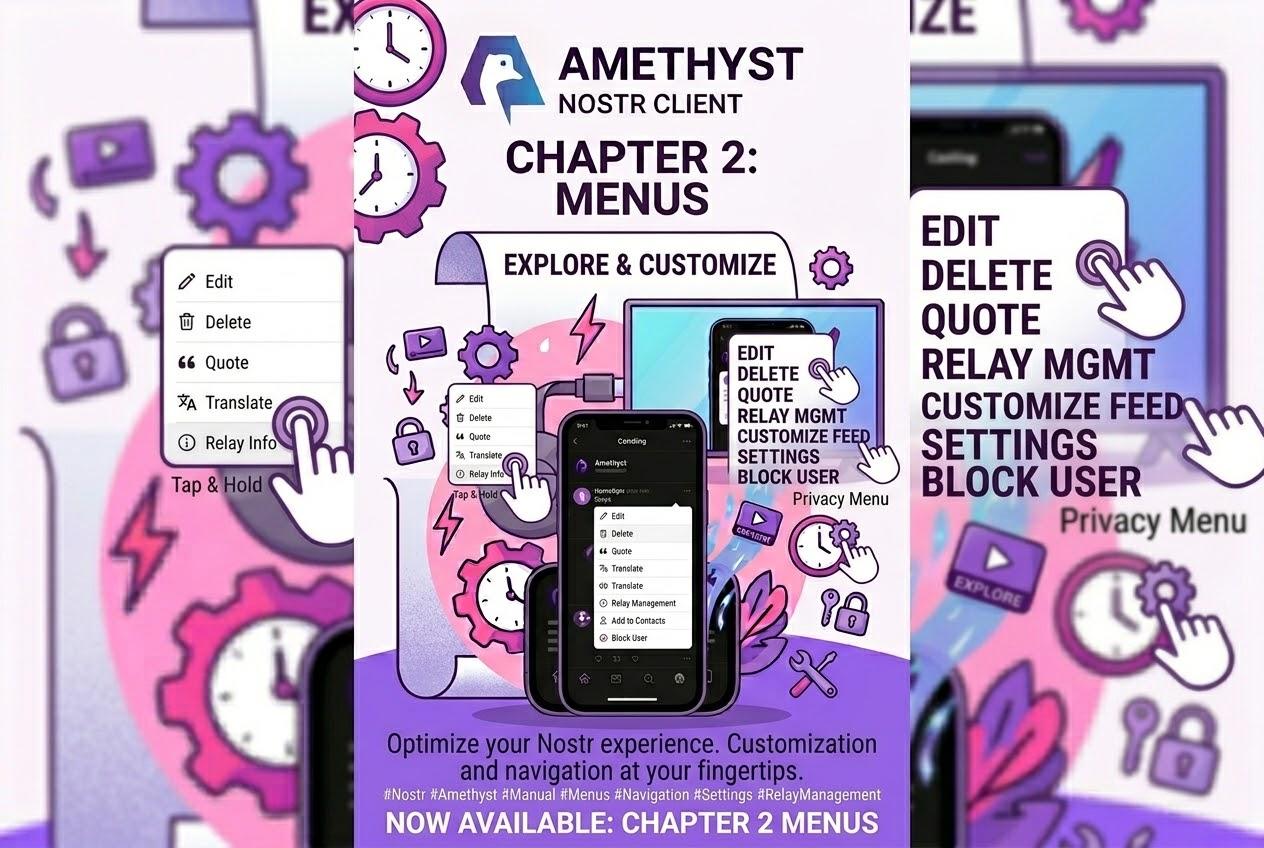
220 things behind three dots Fifty-seven menus. Two hundred and twenty live items. At any one time you open a note's ⋮ you see around nine of them; the rest are waiting for the right note.
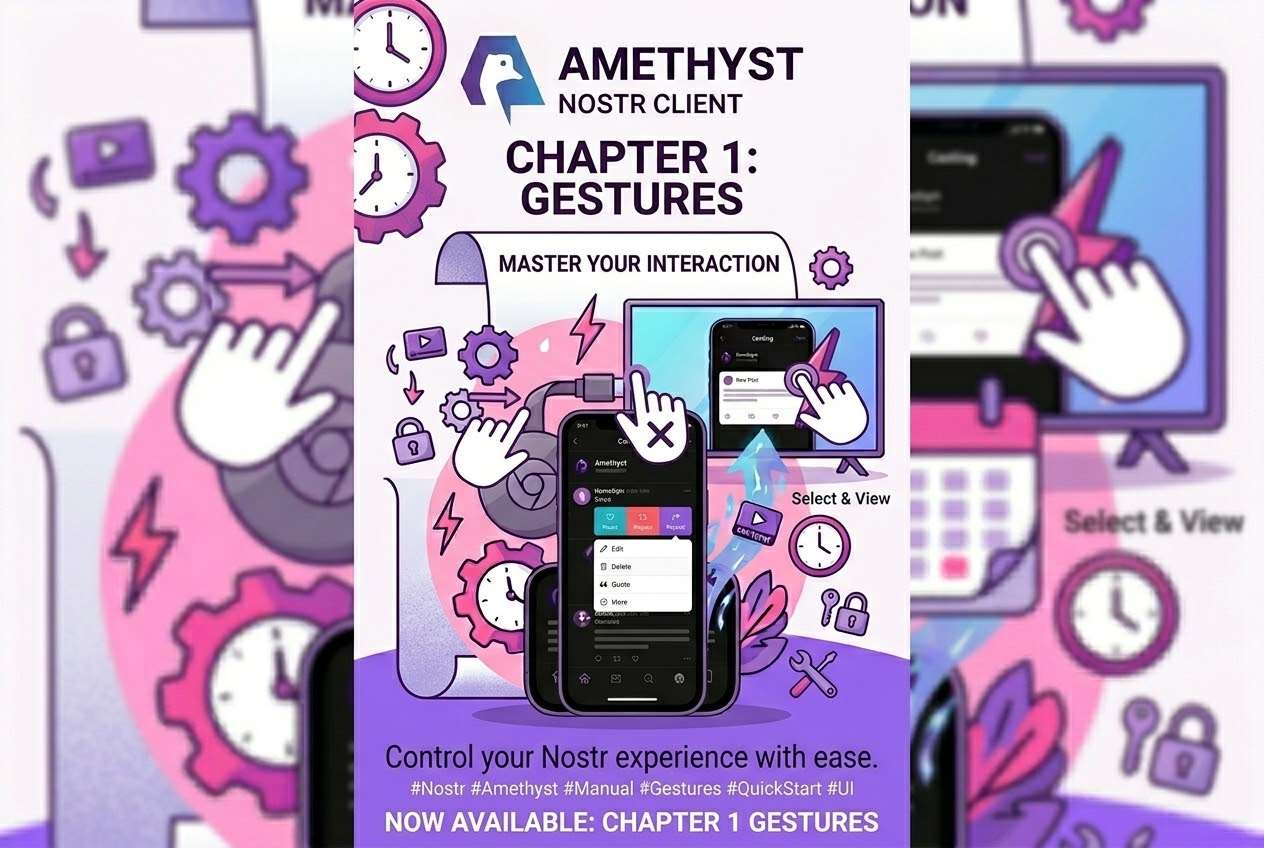
You have been using #amethyst for months. You know where the buttons are. You tap them, they do things, and that already gets you a long way.